3D printing beginners
A large object does not fit comfortably in the available build area, or a single print would be difficult to orient.
Dividing the model can make each section easier to position, print, and assemble later.
Beginner guide
If you are asking what is 3d splitter for beginners, think of it as a tool that divides one 3D model into smaller, separate pieces. Those pieces can be easier to print, inspect, assemble, or work with in another 3D application.
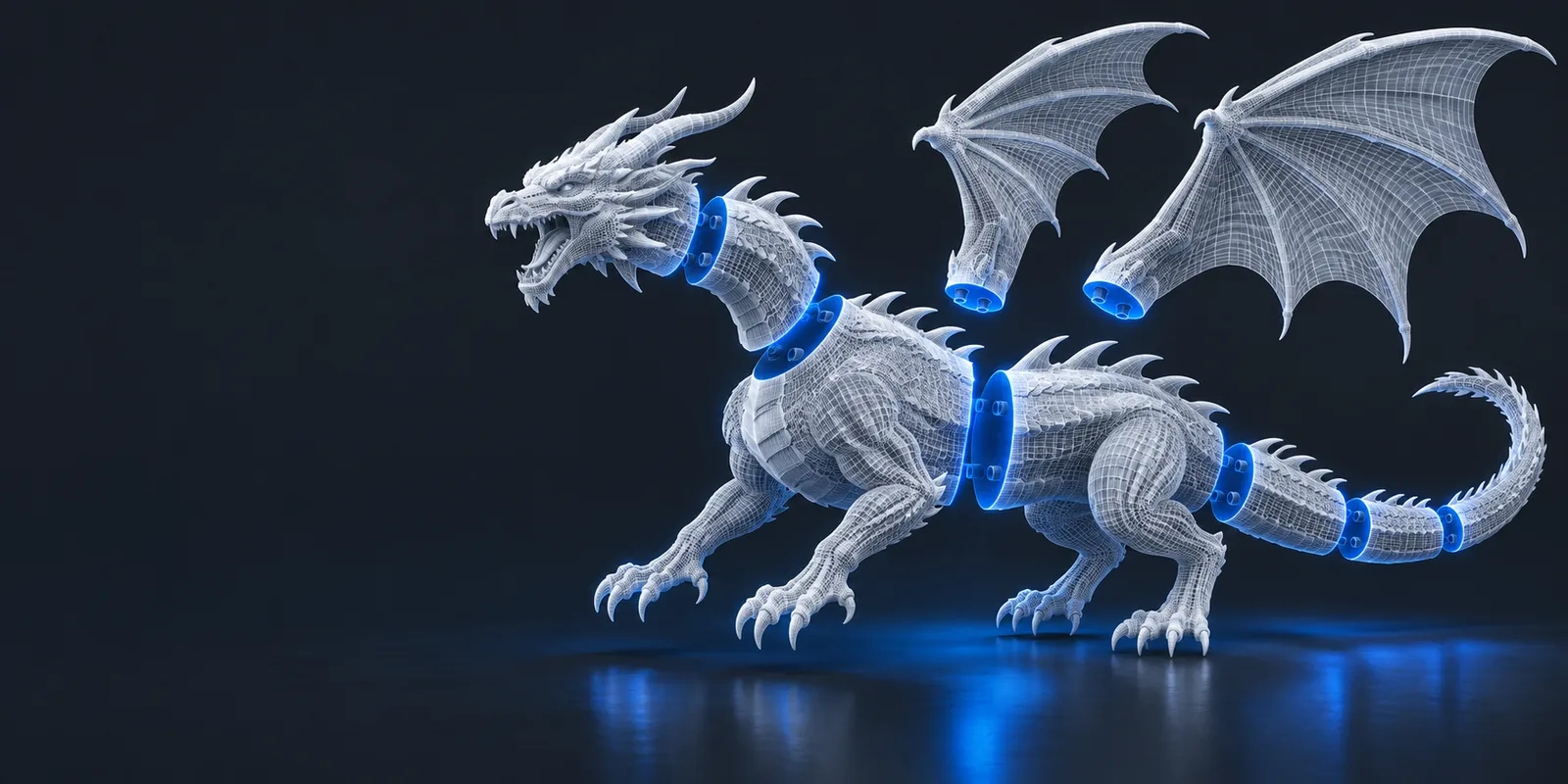
A 3D splitter is software that separates a digital model along chosen boundaries, producing multiple parts from one object. Instead of treating a large or complex mesh as a single piece, you can create sections that are easier to handle.
The basic process is easier to understand when it is reduced to three decisions: choose the model, define the separation, and inspect the resulting parts.
Start with a compatible 3D model and inspect its scale, orientation, thin areas, and existing geometry. A clean, closed mesh usually gives you a more predictable starting point.
A split can follow a plane, a section, or another boundary supported by the tool. Place the separation where the parts will be useful, stable, and practical to handle.
Review the separated pieces for missing surfaces, awkward seams, or tiny fragments. The goal is not merely to cut the shape, but to create parts that make sense for the next task.
Splitting changes how a model is organized; it does not automatically redesign every part for manufacturing or repair every problem in the original mesh.
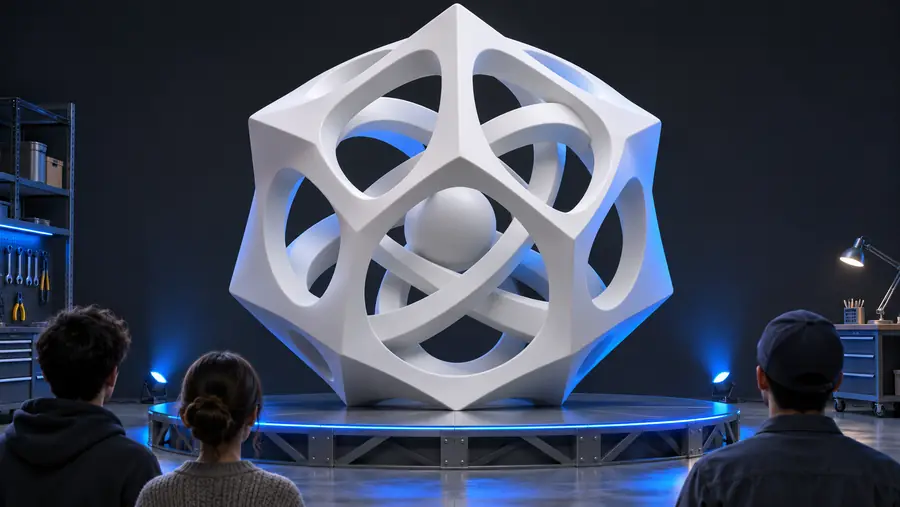
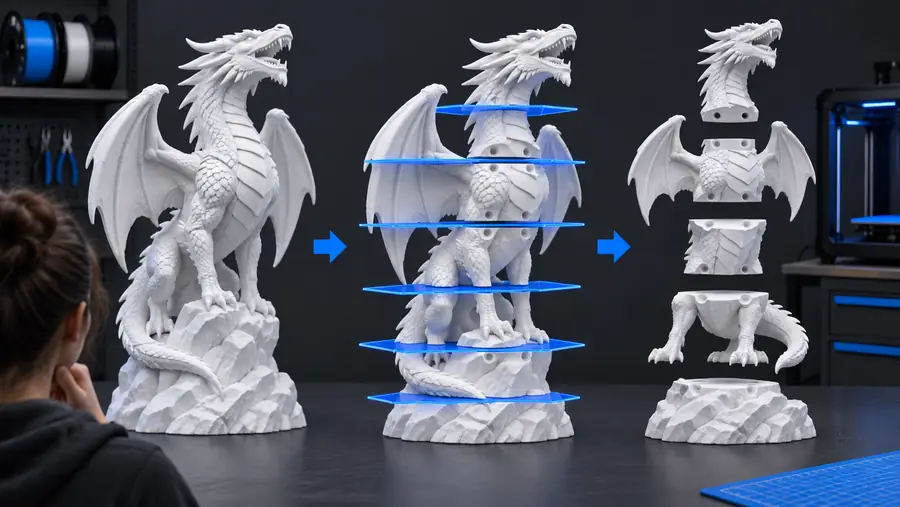
The dividing line becomes a practical boundary between pieces. A splitter can separate geometry, but you still need to inspect whether each resulting part is usable for your intended workflow.
Before: one objectAfter: separate partsDifferent users split models for different reasons. The useful question is not only whether a model can be divided, but what the separate pieces need to accomplish afterward.
A large object does not fit comfortably in the available build area, or a single print would be difficult to orient.
Dividing the model can make each section easier to position, print, and assemble later.
An STL arrives as one object even though the intended workflow needs several distinct pieces.
Separating the file can make individual sections easier to inspect or prepare for later processing.
A student wants to understand how a complex object is built by examining its sections rather than viewing only the finished silhouette.
Splitting provides a concrete way to study parts, seams, proportions, and assembly ideas.
A model needs to be transported, modified, painted, or assembled in manageable sections.
Separate pieces can simplify handling while preserving the relationship between the original forms.
| One-piece model | Split model | |
|---|---|---|
| Handling | The whole object must be moved, inspected, and prepared at once. | Sections can be handled independently. |
| Large dimensions | The complete shape may be awkward for a workspace or printer. | Smaller pieces may be easier to position. |
| Inspection | Interior boundaries and hidden problem areas can be harder to examine. | Each section can be checked separately. |
| Assembly | There are no generated seams between sections. | The new boundaries may require alignment or joining. |
| Mesh quality | The original geometry remains unchanged as one object. | The split may expose open edges or surfaces that need review. |
| Best use | Useful when the model already works as a single piece. | Useful when size, access, transport, or workflow calls for separate parts. |
Once you understand the purpose of a 3D splitter, the workflow becomes a practical choice rather than a mysterious extra step. Use it when dividing a model will improve handling, inspection, printing, or assembly, and review every resulting part before moving on.
A 3D splitter is a tool that divides one digital 3D model into two or more separate pieces. Beginners often use one when a model is too large, difficult to handle, or more useful as several sections.
The most common reasons are size, handling, inspection, and assembly. Dividing a model can make separate sections easier to position or work with, but it also introduces boundaries that should be checked.
No. Splitting only separates the geometry. Each resulting part may still need inspection for open surfaces, thin areas, awkward orientations, fit, and any joining method required by the final project.
No tool can guarantee a useful result for every mesh. The outcome depends on the original model, the chosen boundary, and the condition of the geometry, so always review the separate parts after splitting.