Small-printer owner
A sculpture extends beyond the usable build area, so the cut must create pieces that fit without sacrificing a prominent detail.
Measure both pieces in the slicer and plan how the seam will be hidden or finished.
Browser workflow
A 3d splitter online gives you a place to start when an STL is too large or awkward to print as one piece. Plan the cut, inspect the resulting parts, and check each one in your slicer before printing.
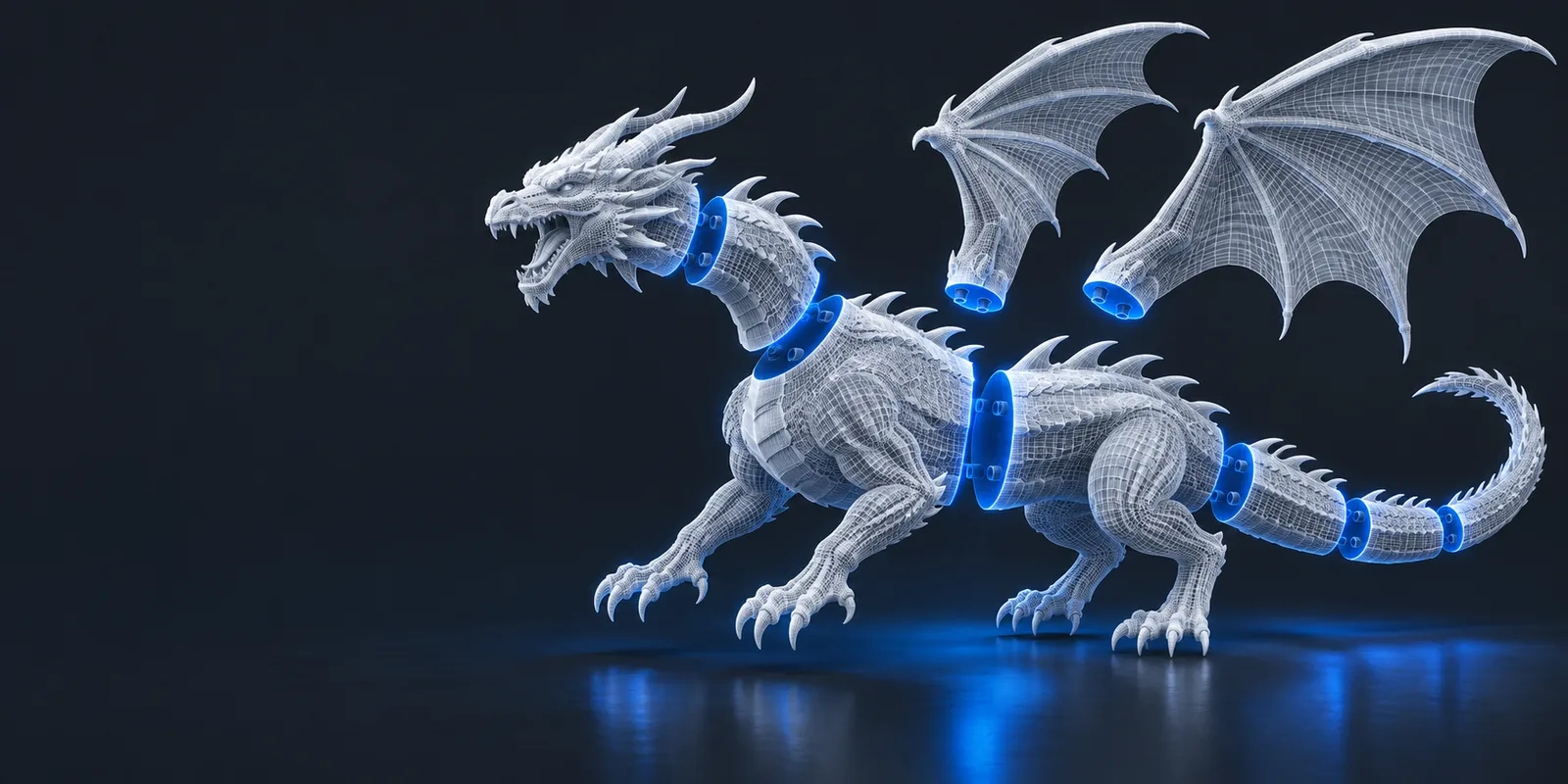
Browser access removes a software-installation step, but it does not replace decisions about cut placement, assembly, or print orientation. These related guides address the choices around the split.
An online splitting workflow is useful for preparing parts, not a guarantee that the parts will print or fit together. Check these issues before committing material and machine time.
Two flat cut faces may still be difficult to align or bond. A split alone does not add pins, sockets, or tolerances for your assembly method.
What to do instead
Add alignment features in a modeling application and test-fit a small sample.
An STL with holes, self-intersections, or thin walls may produce parts that fail slicer checks. Dividing a flawed mesh is not the same as repairing it.
What to do instead
Inspect and repair the source mesh, then review every resulting part.
A division can introduce unsupported faces or turn a stable model into pieces with poor bed contact.
What to do instead
Try each part in your slicer and reconsider the plane or orientation if support needs increase.
A simple cut cannot necessarily isolate interlocking details, separate colors, or preserve intended mechanical clearances.
What to do instead
Use a mesh editor or CAD tool when the parts need custom boundaries.
Treat the browser tool as one stage in a print-preparation workflow. The important final check happens with the individual pieces, not just the original model.
Confirm its dimensions and identify the feature you cannot print in one piece. Note where a seam would be least visible and easiest to assemble.
Consider build volume, layer direction, mating-face area, and whether the proposed cut leaves delicate projections on either side.
Open each part separately. Check for missing surfaces, unexpected fragments, and faces that will need cleanup before assembly.
Orient the parts, inspect layer previews, and confirm that each fits your printer. Revise the cut if either piece creates an avoidable printing problem.
The same STL can call for different cut decisions. Start with the constraint that matters most, then judge the resulting parts against it.
A sculpture extends beyond the usable build area, so the cut must create pieces that fit without sacrificing a prominent detail.
Measure both pieces in the slicer and plan how the seam will be hidden or finished.
A downloaded mesh needs to become separate files, but its surface quality and internal structure are not yet known.
Inspect the mesh and verify the output parts before treating them as printable.
Details intended for different materials need distinct geometry, not merely a straight division through the entire object.
Decide whether a simple cut is sufficient or the colored regions need modeling work.
Open the STL splitter and see whether its available options suit your model. Before printing, inspect each resulting piece for fit, intact surfaces, and a practical assembly seam.
It can be a starting point for dividing an STL into smaller parts. You still need to decide where the division belongs and verify that the pieces are suitable for printing and assembly.
A browser-based splitter is intended to provide a web workflow for this task. Check the tool's available controls and file handling before relying on it for a particular model.
Splitting may help if every resulting part fits your build volume. It does not guarantee good orientation, adequate bed contact, or an easy-to-assemble seam.
Not necessarily. If the original mesh has holes or intersecting surfaces, inspect and repair it separately, then check each part in your slicer.
Only when the intended color regions happen to follow a suitable cut boundary. Irregular color regions generally need deliberate geometry editing rather than a single plane.